Hello Today
In this project, we'll make a website that automatically tells you the day and time.
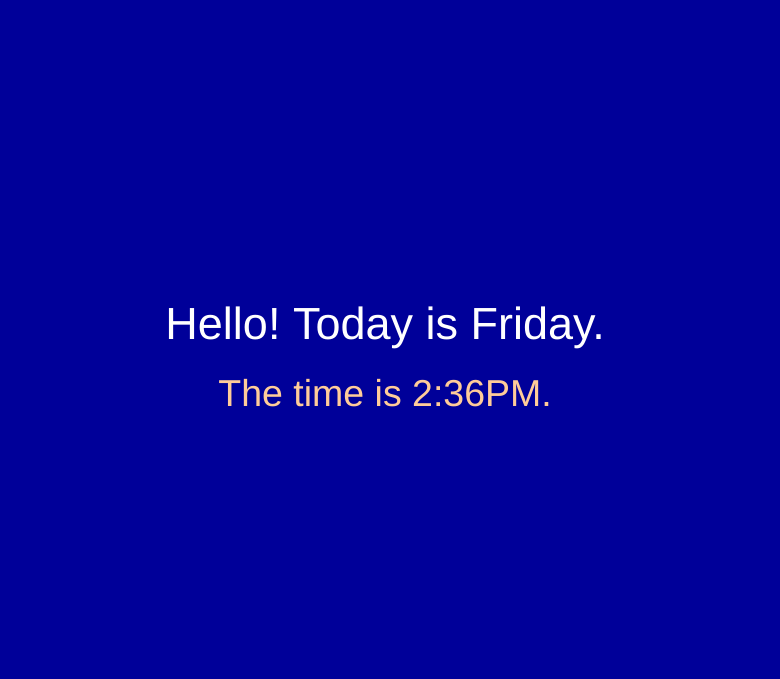
1. Create a new HTML document and add an appropriate title.
2. Add a heading that says:
"Hello! Today is <span id="d">DAY</span>."
3. Find a JavaScript function that can tell you a number 0-6 that represents the current day of the week (0 is Sunday, 1 is Monday, etc).
4. Write your own code that can convert that number to the name of the day.
5. Using d.innerHTML =, replace the "DAY" on the webpage with the actual day.
6. Add a second line that says, "The time is <span id="t">TIME</span>.
7. Find a JavaScript function that can find the current hour.
8. Find a JavaScript function that can find the current minutes.
9. Write your own code to combine the hours and minutes with a colon, adding AM/PM, (so it would look like "6:35 PM", for example).
Hint: You'll need to make sure it displays "7:05" instead of "7:5" for example.
10. Using t.innerHTML =, replace the "TIME" on the webpage with the actual time.
11. Now style your page with CSS -- choose your fonts, background colors, borders, etc.
12. Save and share your project!